language
 Buy
Buy



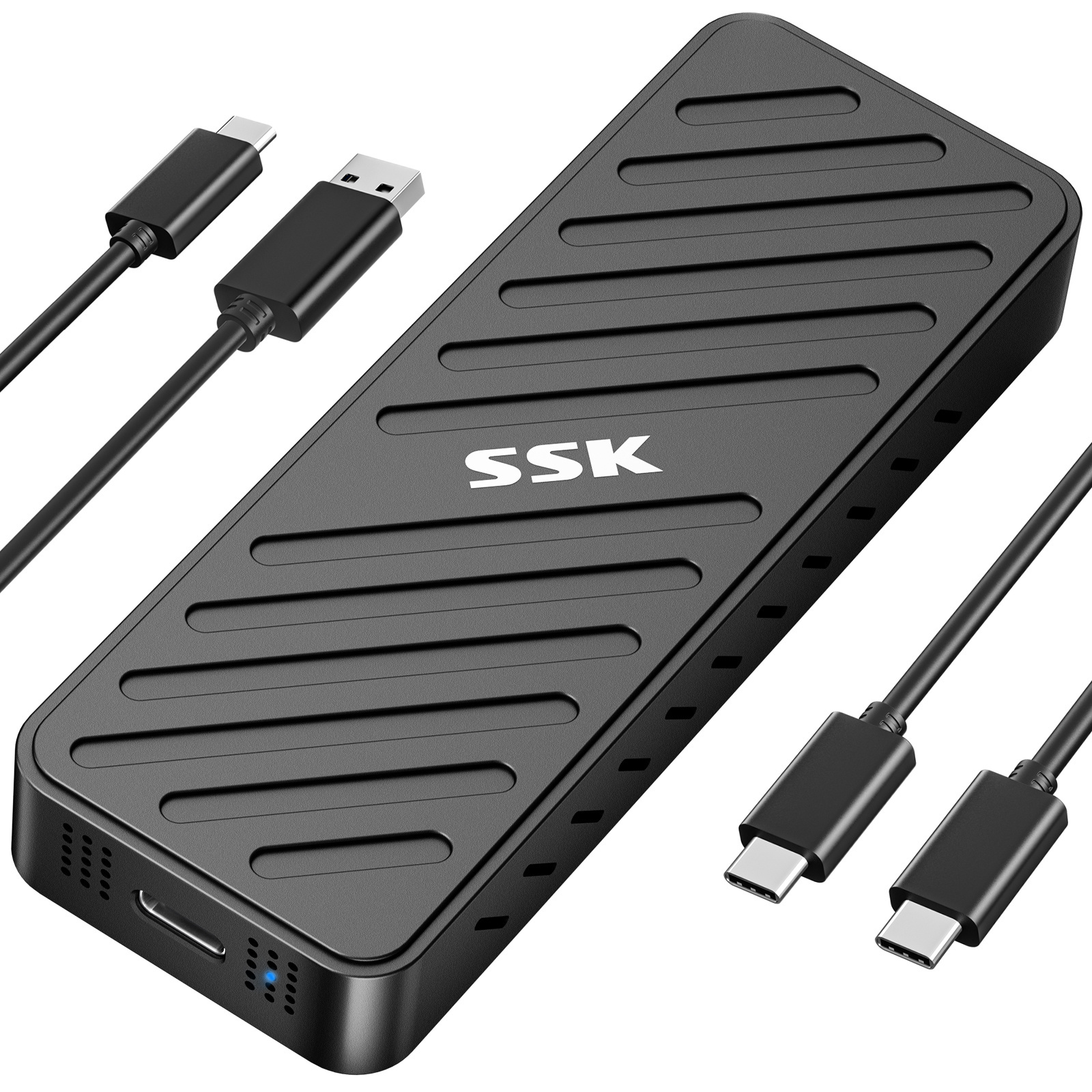




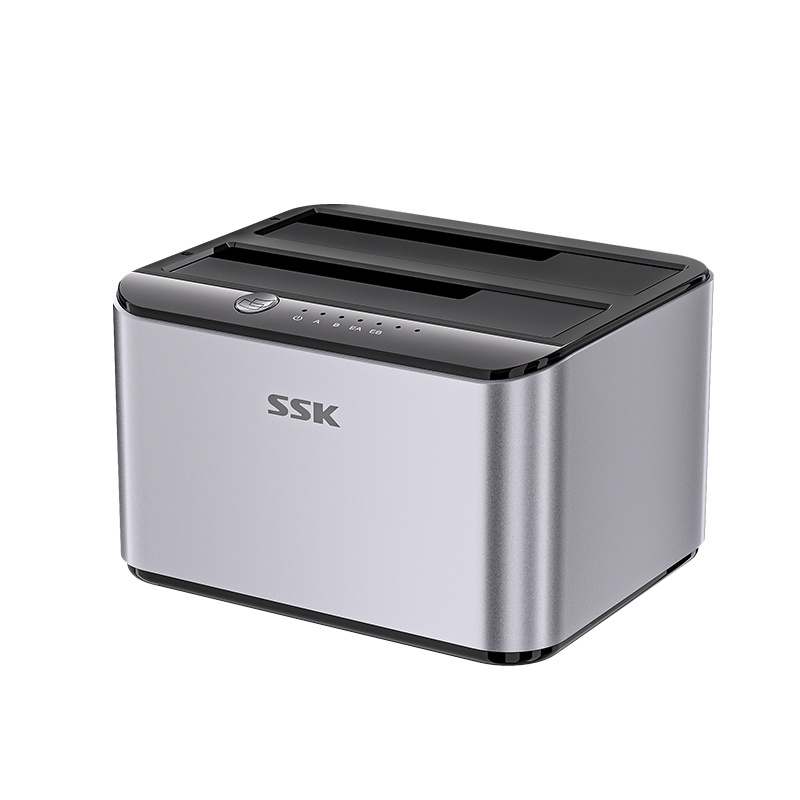
SSK SSD Cloner, M.2 Duplicator Dual Bay NVMe Enclosure/Docking Station for M Key- DK201
Standard: USB3.2 Gen 2X2 NVME SSD Transfer Speed: Read: 2000MB/S (MAX) Write: 1800MB/S (MAX) Weight: 3.17 ounces Size: 2.8 x 2.8 x 0.85 inches
Product Description
1.Dual bay NVMe enclosure supports both M Key and B+M Key NVMe SSDs. With the powerful JMS586U chip, you can operate two SSDs simultaneously without performance drop.
2.Equipped with a USB 3.2 Gen 2x2 interface, offers blazing speeds up to 20Gbps, making this SSD dock an ideal SSD to USB adapter for those needing speed.SSK NVMe dock doubles as a standalone nvme cloner, allowing you to clone drives with just a single button press. No need computer—this M.2 duplicator handlesall. Note: Cloning process will eliminate target drive's all data and the target drive will be cloned to be exactly the same as the source drive
3.Safeguard your data with built-in S.M.A.R.T monitoring your SSD's health, and TRIM optimizing performance and maintaining drive efficiency. This ensures your NVMe duplicator remains reliable and effective over time
4.Enhanced Cooling and Easy Installation: The open design of this M.2 dock allows for easy SSD installation and effective heat dissipation. Note: High-performance SSDs may heat up during operation.
Seamless Connectivity: This dual NVMe enclosure comes with a 20Gbps USB-C and a 10Gbps USB-A cable, plus a 12V/2A power adapter, making it a fully equipped NVMe to usb adapter.
Product Information


Attention: NVMe SSD will generate a lot of heat during use. Therefore, do not touch the SSD when using this product. After use, wait for the SSD to cool down before touching and removing it.
Data Security Note:
- The target drive has to be at least equal or larger than the source drive in capacity to use offline drive-to-drive cloning.
- Please confirm your source drive and target drive both can work properly, and target drive has no important data. The target drive will be cloned to be the same as the source drive in partition, format and data
- The cloning process will eliminate your target drive's existing data.
- To keep the existing data on the target drive and the source drive, switch the dock to PC mode and connect the dock to your PC to transfer data through your computer manually.
- Please do not directly unplug the drives when cloning. Only when the cloning process is complete, can you eject your drives.
- When your hard drive is transferring data with the computer, PLEASE do not directly unplug the hard disk when the data transfer is in process. Eject the drive from the computer ONLY when transmission completed, or you may suffer from data loss.
Related Products


Video


Close video
DK201
Product Consultation
Our staff will contact you within 24 hours (working days).

3F,Building M-10,Hi-tech Industrial Park,Nanshan District, Shenzhen, China


songtulips